Registry Compare Tool

Registry Compare Tool is a Windows desktop utility that compares two registry sources—backup files or live registry data—and highlights added, removed, and changed keys and values in a structured view.

Windows
Platforms
v1.0
Latest Version
Downloads

How it works

Quick start

  1. Choose two registry sources you want to compare.
  2. Load a saved registry backup or scan a live registry location.
  3. Start the comparison to collect keys and values from both sides.
  4. The app checks what was added, removed, or changed.
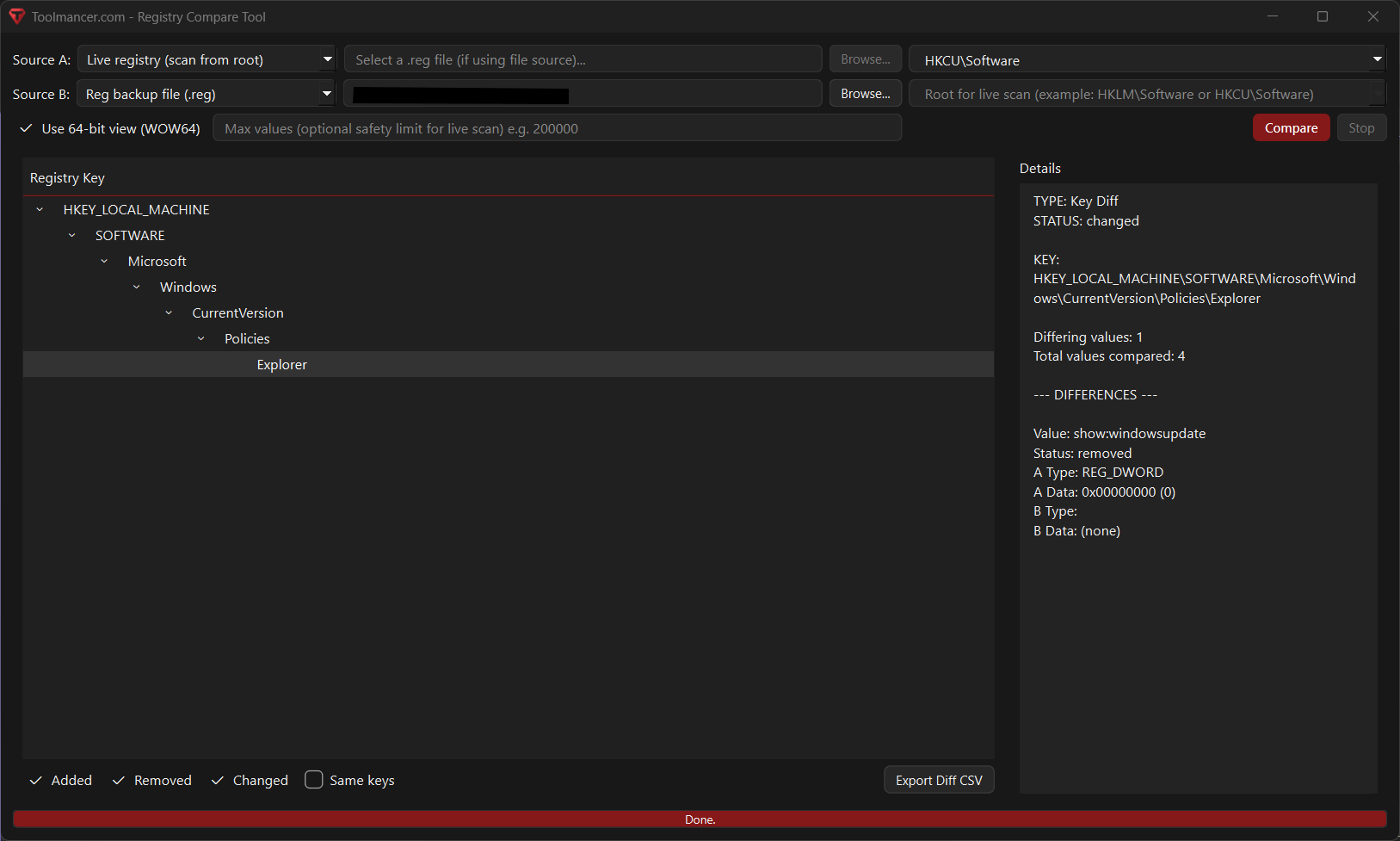
  5. Browse the results in a tree view grouped by registry path.
  6. Click any item to see the exact differences in the details panel.
  7. Filter the results to focus only on the types of changes you care about.
  8. Copy a registry path, open it in RegEdit, or export the diff as a CSV report.
Features

Compare registry backups and live registry sources

Supports comparing .reg backup files, live registry keys that match another source, or full live scans starting from a chosen registry root.

Tree-based difference viewer

Displays results in a hierarchical registry tree so users can quickly navigate hives, keys, and individual value differences.

Detailed value comparison

Shows whether registry values were added, removed, or changed, along with their data types and formatted contents for both compared sources.

Filterable results

Lets users filter the output to show only added, removed, changed, or unchanged keys, making large comparisons easier to review.

CSV export of differences

Exports comparison results to CSV for reporting, auditing, or further analysis outside the app.

Registry path tools and RegEdit integration

Includes right-click options to copy registry paths and open matching keys in RegEdit for faster investigation.

Screenshots

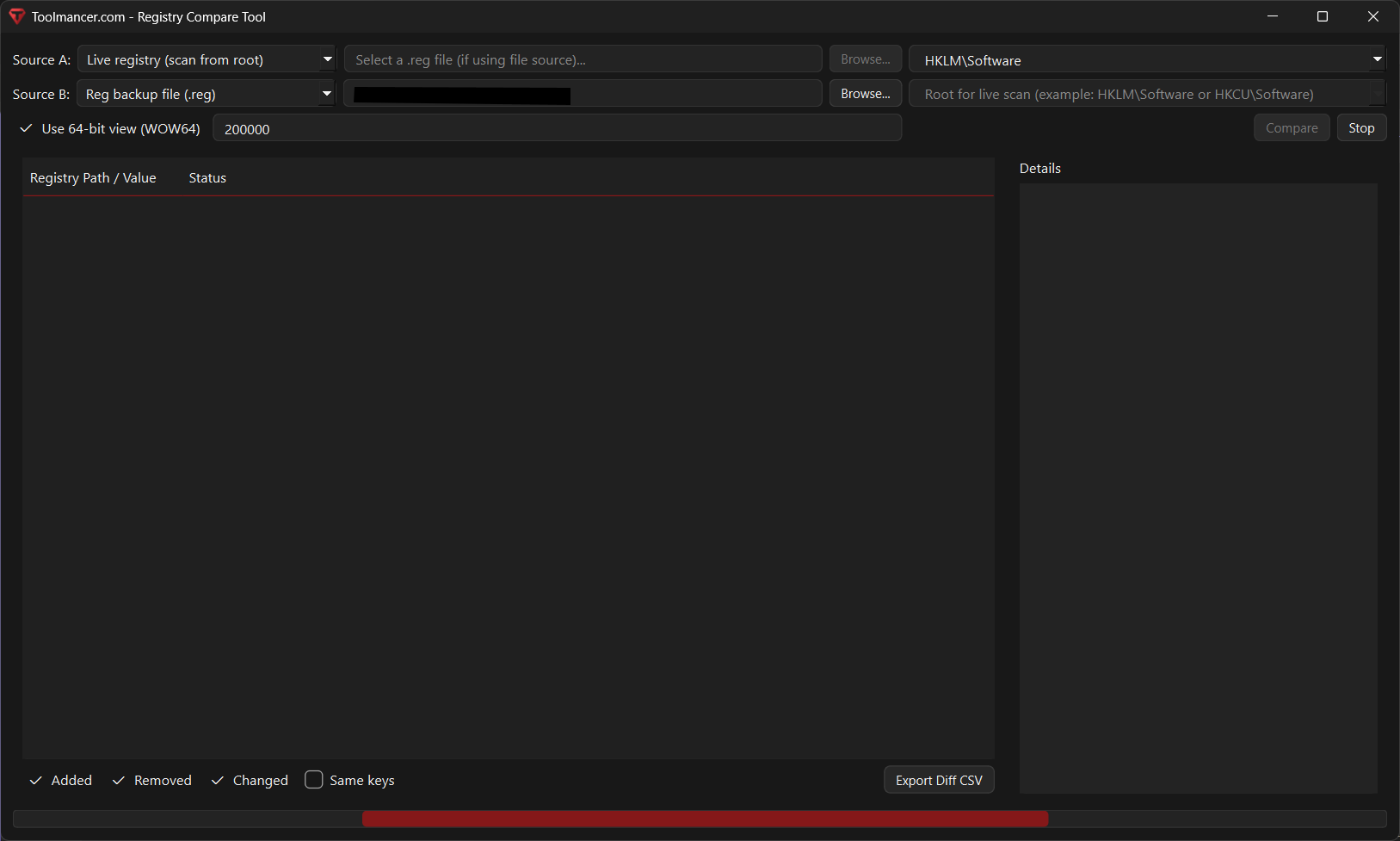
Screenshot 1

Registry Compare Tool screenshot 1

Screenshot 2

Registry Compare Tool screenshot 2

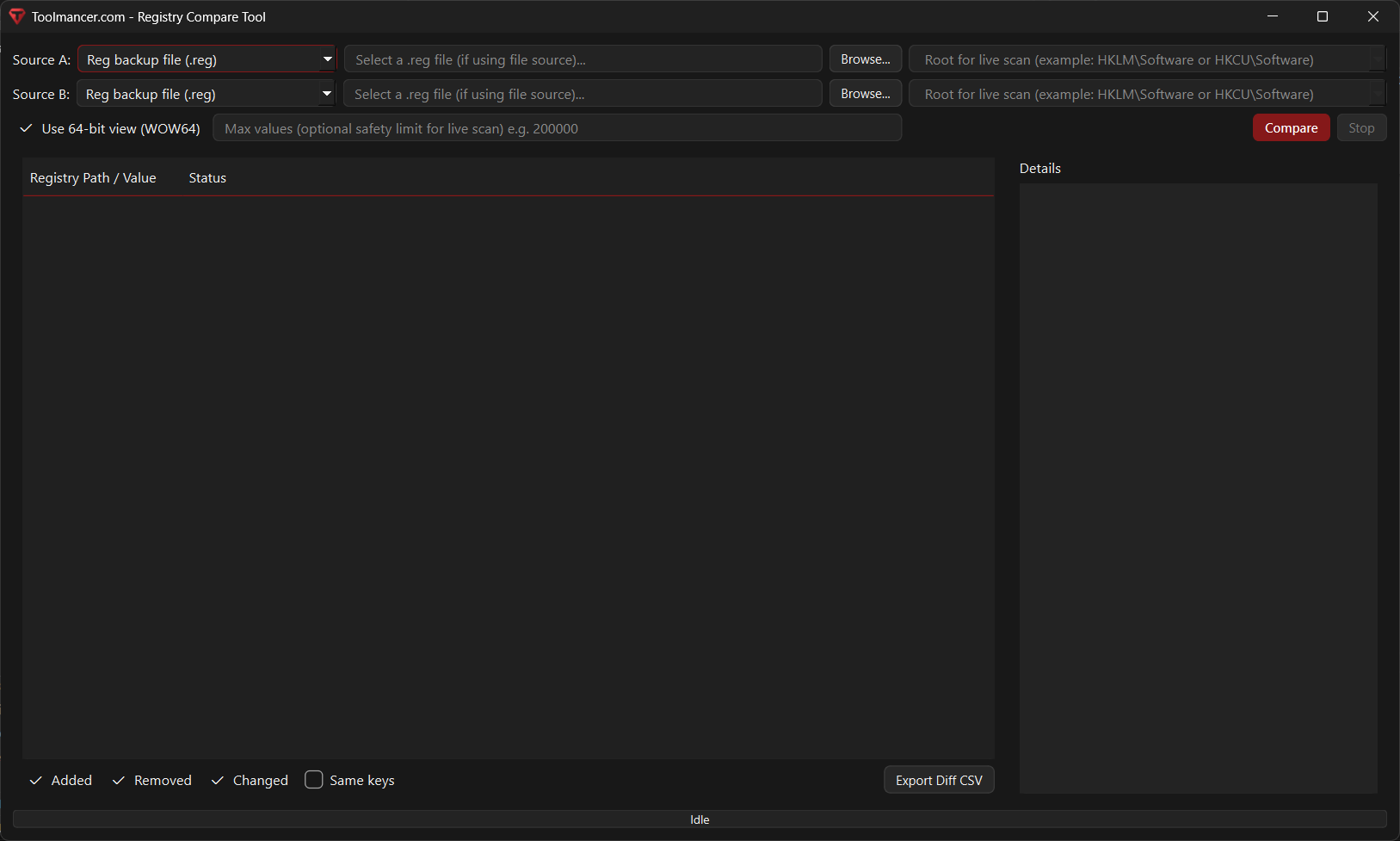
Screenshot 3

Registry Compare Tool screenshot 3

Notes

Prerequisites

  • Appropriate permissions may be required to read certain live registry areas.
  • RegEdit access and elevated rights may be needed for opening some locations directly from the tool.
  • Limitations

  • Full live registry scans can be slow when scanning large roots.
  • Access to some keys or values may be restricted by system permissions.
  • Both comparison sources cannot be set to “live registry only using keys from the other side” at the same time.
  • Large registry scans may need a value limit to avoid excessive processing.
  • The tool focuses on key and value differences and does not modify or merge registry data.
  • Results depend on the selected registry view, such as 64-bit vs 32-bit view.
  • Changes

    History
    Updates
    Upcoming
    Planned